 CoreCohort
A git panel that knows your pull requests
Changes, branches, history, stashes and blame beside the terminal. Pull requests and CI status for GitHub, Bitbucket and GitLab.
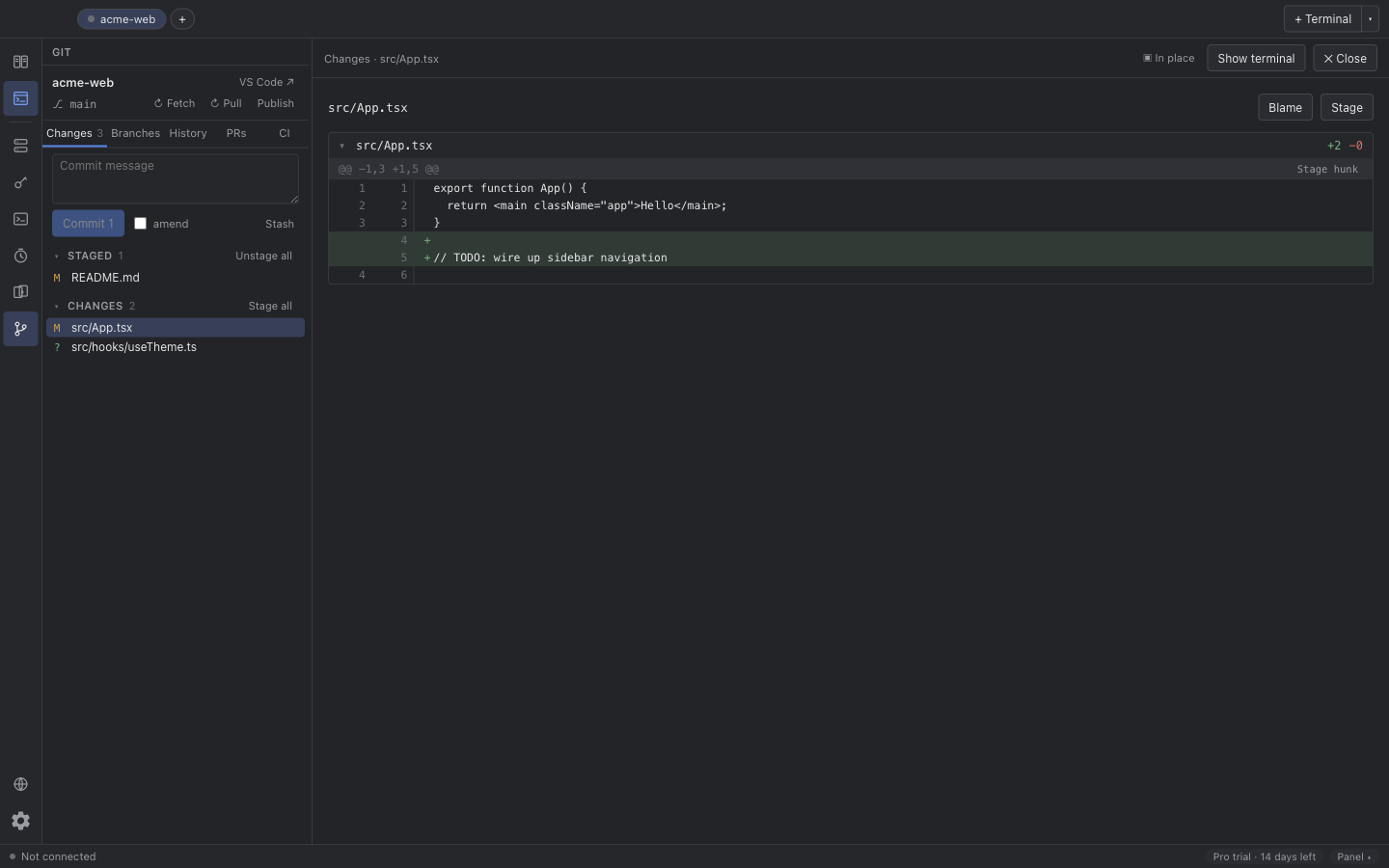
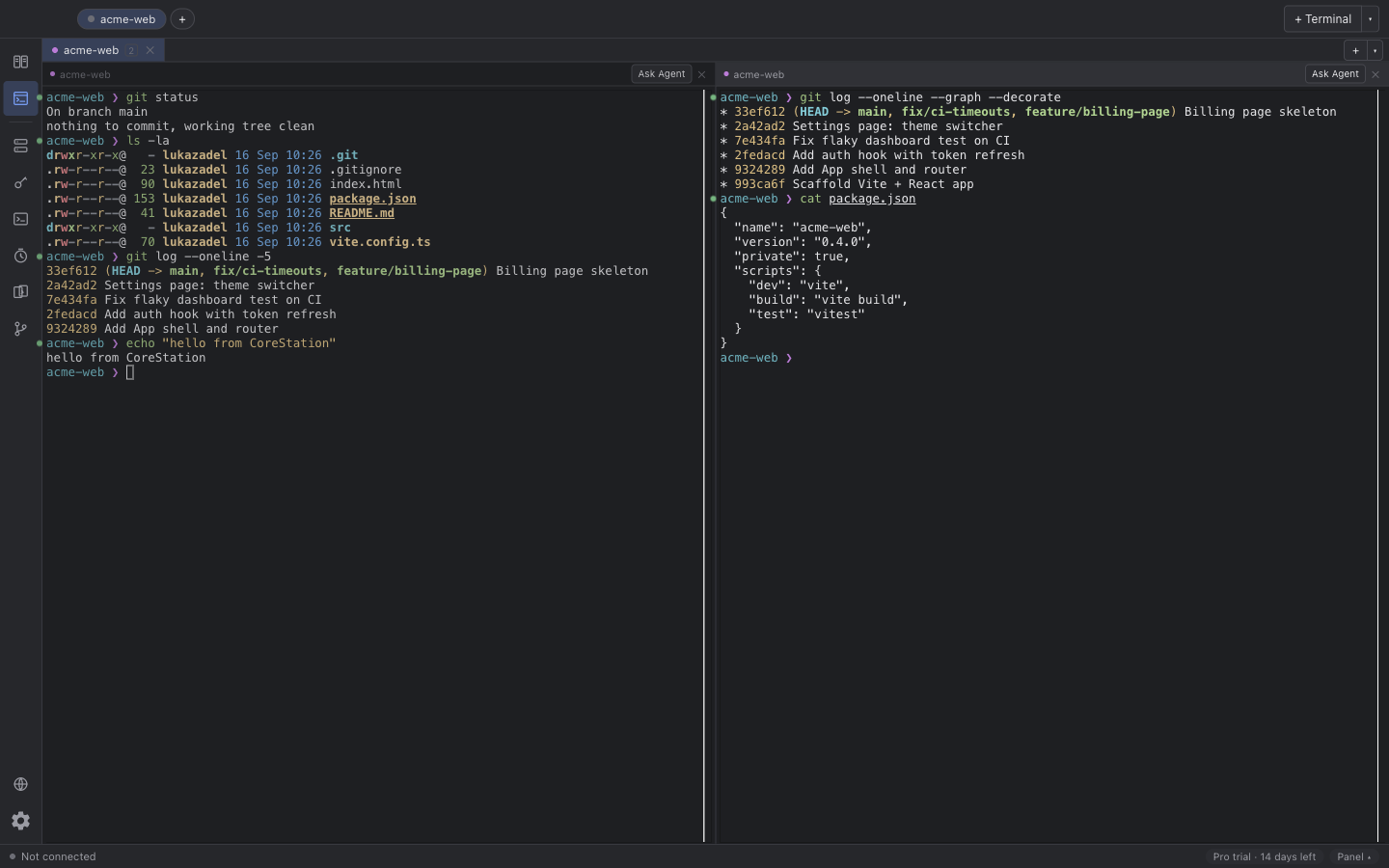
Command blocks, a git panel that knows your pull requests, worktree workspaces and a ticket hand-off to your coding agent.
The terminal here, a git client there, the ticket in a browser tab, the agent in a fourth window and an SFTP client for the server. Every switch costs attention, and none of them knows about the others.
Changes, branches, history, stashes and blame beside the terminal. Pull requests and CI status for GitHub, Bitbucket and GitLab.
Every command and its output is a block: collapse it, copy it, re-run it, ask your agent about it. Shell integration for zsh, bash and fish.
Pick a Jira ticket and a coding agent: Claude Code, Codex, Gemini, Ollama or LM Studio. CoreCohort opens a workspace and briefs it.
Docs, previews and the ticket itself in a pane beside the terminal. Split view and saved logins for the sites you open there on Pro.
Saved sites, folder sync and a remote file browser. The part of CoreCohort that started life as CoreFTP.
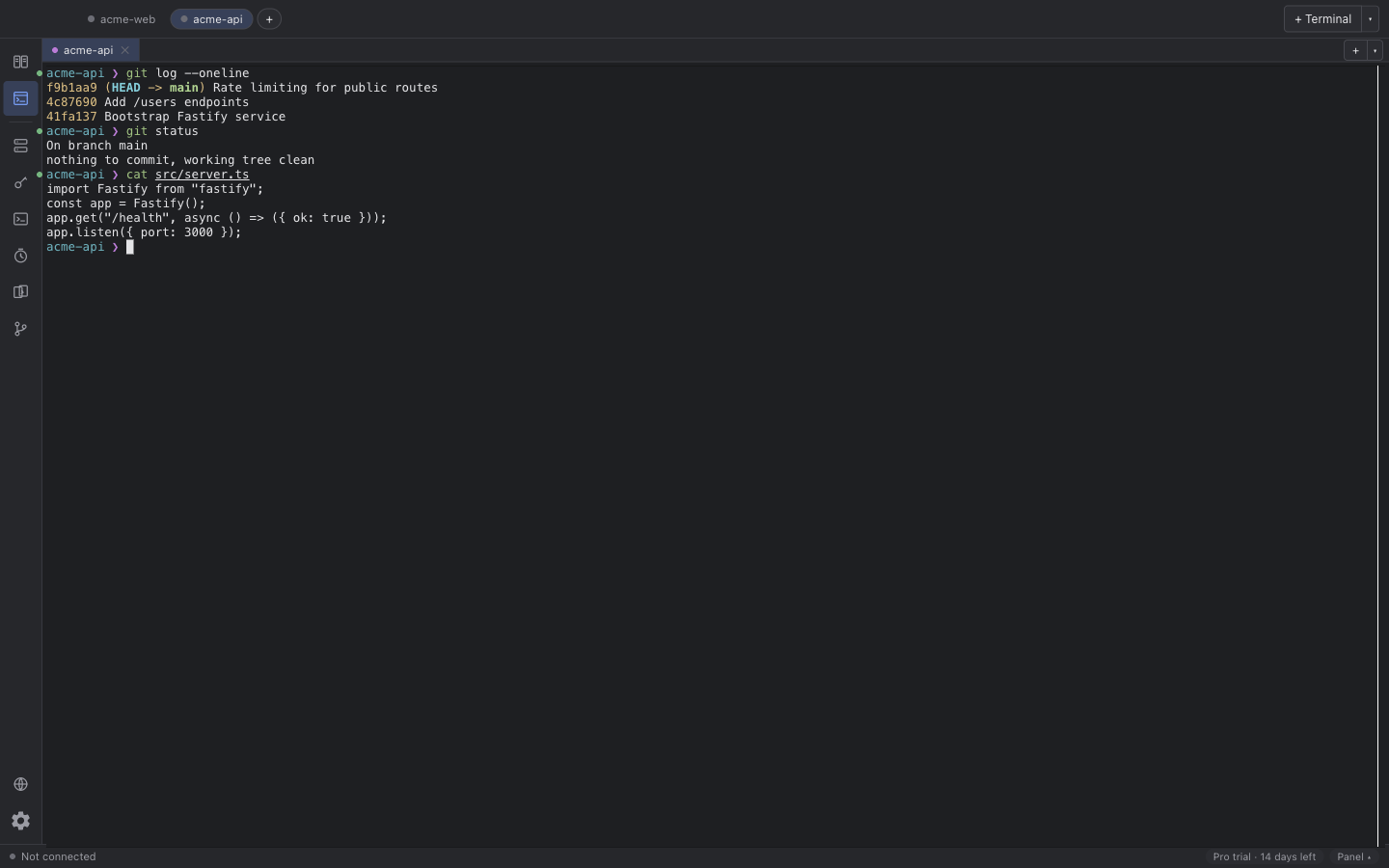
One workspace per branch, each with its own worktree, terminals and agent tab. Switch without stashing.
Nothing in Free expires, and nothing you make is ever locked. Pro adds the parts that reach outside the shell.
€69.00 / year
Everything in Pro on up to 3 Macs, and every update for 12 months. When you stop, you keep the last version released during your paid year, with Pro, forever; it just gets no further updates. Renews yearly until you cancel.
€7.00 / month
The same Pro while you pay, month by month. For a project, or to try it before a year. No perpetual licence: when you stop, the app goes back to Free.
Buy monthly€99.00 / seat / year, from 5 seats
Pro for everyone plus a shared library of commands, timers, workspaces and sites. 3 Macs per seat. Every seat is a perpetual licence like Pro yearly; the shared library runs while the subscription does.
Buy TeamPrices include VAT for EU consumers. Businesses with an EU VAT id and buyers outside the EU pay the net price. Card or Apple Pay through Mollie.
No. You get a licence key by email and on the thank-you page. Paste it into Settings → Licence. There is no login anywhere.
With a yearly licence (Pro yearly or Team) you own a perpetual licence for the last version released on or before the day your paid period ends. That version keeps every Pro feature for as long as you like, on your Macs. It gets no updates of any kind after that day: no new features and no fixes. Newer versions run with the Free features until you renew. The monthly plan does not include this: when a monthly licence ends, the app goes back to Free. A refunded licence is revoked entirely. Nothing you made is ever locked or deleted.
Think of the yearly plan as a perpetual licence with 12 months of updates. It renews each year so the updates keep coming; cancel the renewal whenever you like, the year you paid for runs to its end, and you keep the version you have then.
One person, 3 Macs at once, on Pro and on every Team seat. Deactivate a Mac from the manage page or from the app to free a slot.
14 days, no questions, for a first purchase. Email us with the licence key. See the refund policy for the details.
Prices include VAT for consumers in the EU. EU businesses with a VAT id are reverse-charged and pay the net price. Outside the EU there is no VAT and you pay the net price. The invoice shows the breakdown.
Nothing. No analytics, no crash upload, no usage pings. The licence check sends your key and a machine id to this server, and that is all.
macOS 13 Ventura or newer, Apple silicon and Intel (universal build).
macOS 13 Ventura or newer, Apple silicon and Intel in one universal build. No account, no telemetry.
Download for macOS